Customize the login page for your VidSell Engage Area including access to your online community, courses, and events.
Design Settings
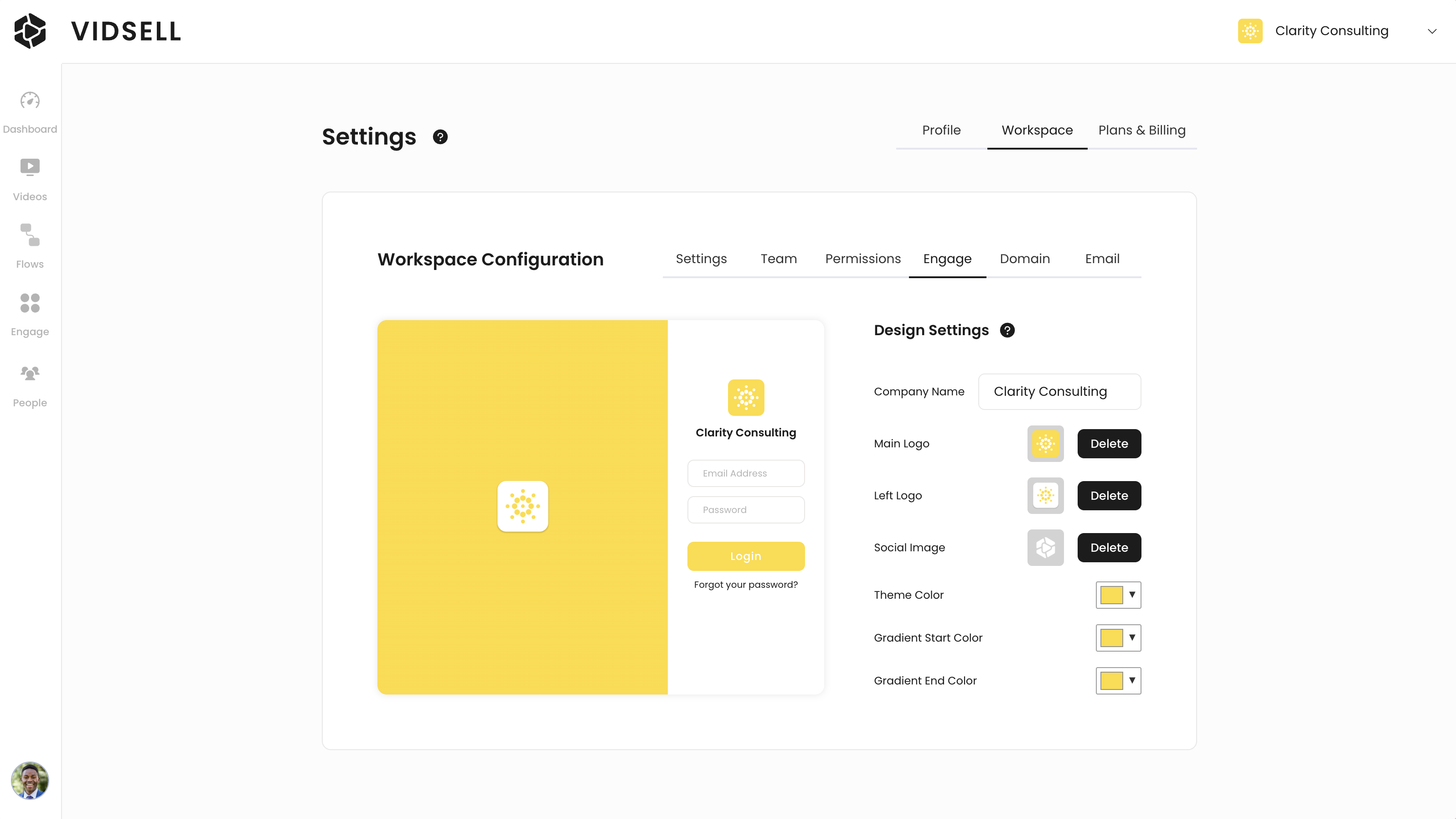
Your Engage login page can be custom designed to fit your brand with multiple options including:
- Company Name - Enter the name of your company, or community name.
- Main Logo - Upload a logo to be displayed above your company name.
- Left Logo - Upload a logo to be displayed on the left side of the login page.
- Social Image - Your social image controls your social sharing image for metatags.
- Theme Color - Control the main button color for your login page.
- Gradient Start Color - Choose a start color for your login page's left side gradient background.
- Gradient End Color - Choose an end color for your login page's left side gradient background.
Note: This area controls setting for your Engage login page only, and not the inside of your online community or courses areas. To customize the inside of your community, see our tutorial here on community style settings.