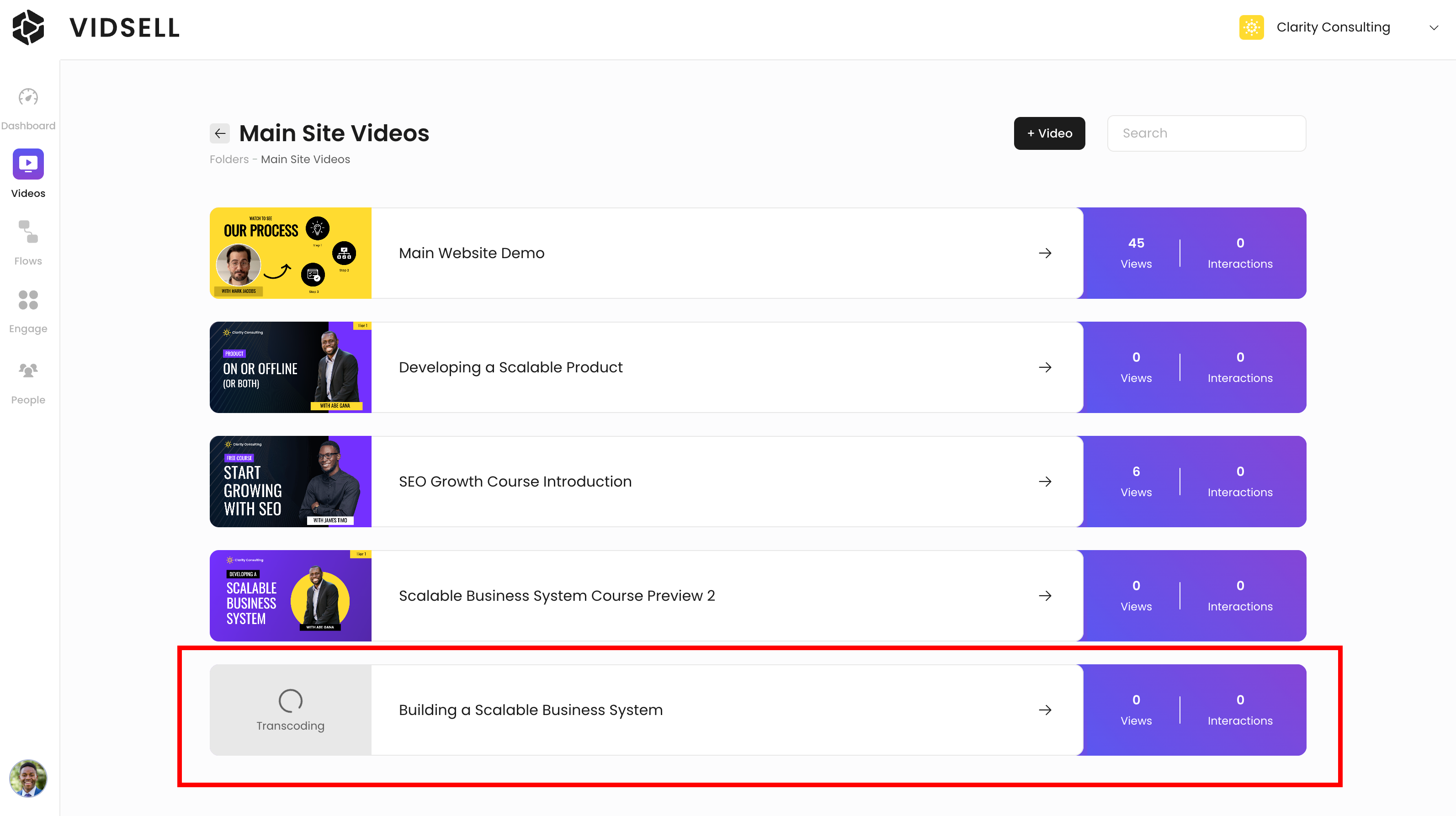
How to purchase video hosting
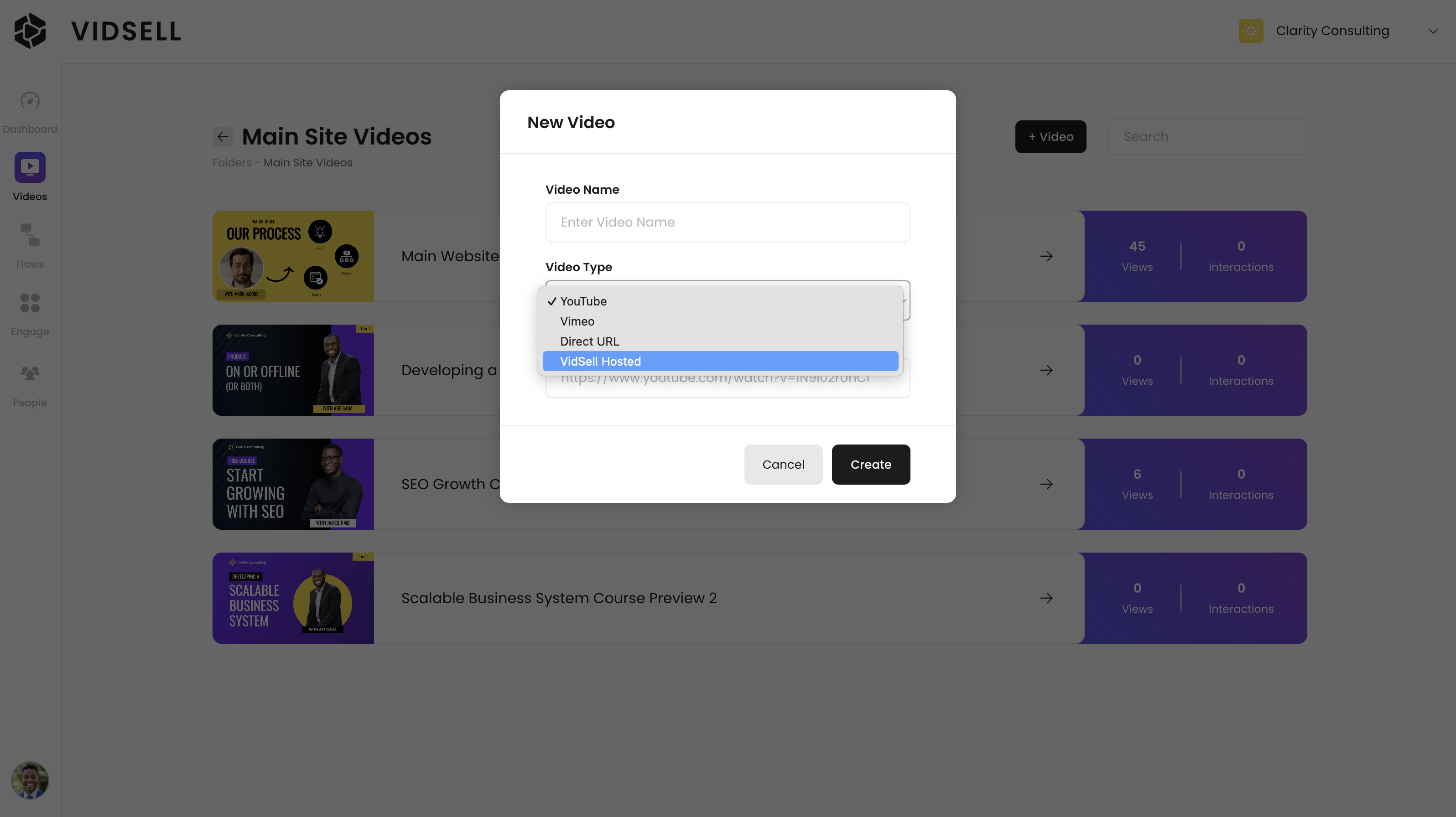
VidSell hosting can be added to your account in the Videos area by clicking the "+ Video" button and choosing "VidSell Hosted" from the Video Type dropdown menu.
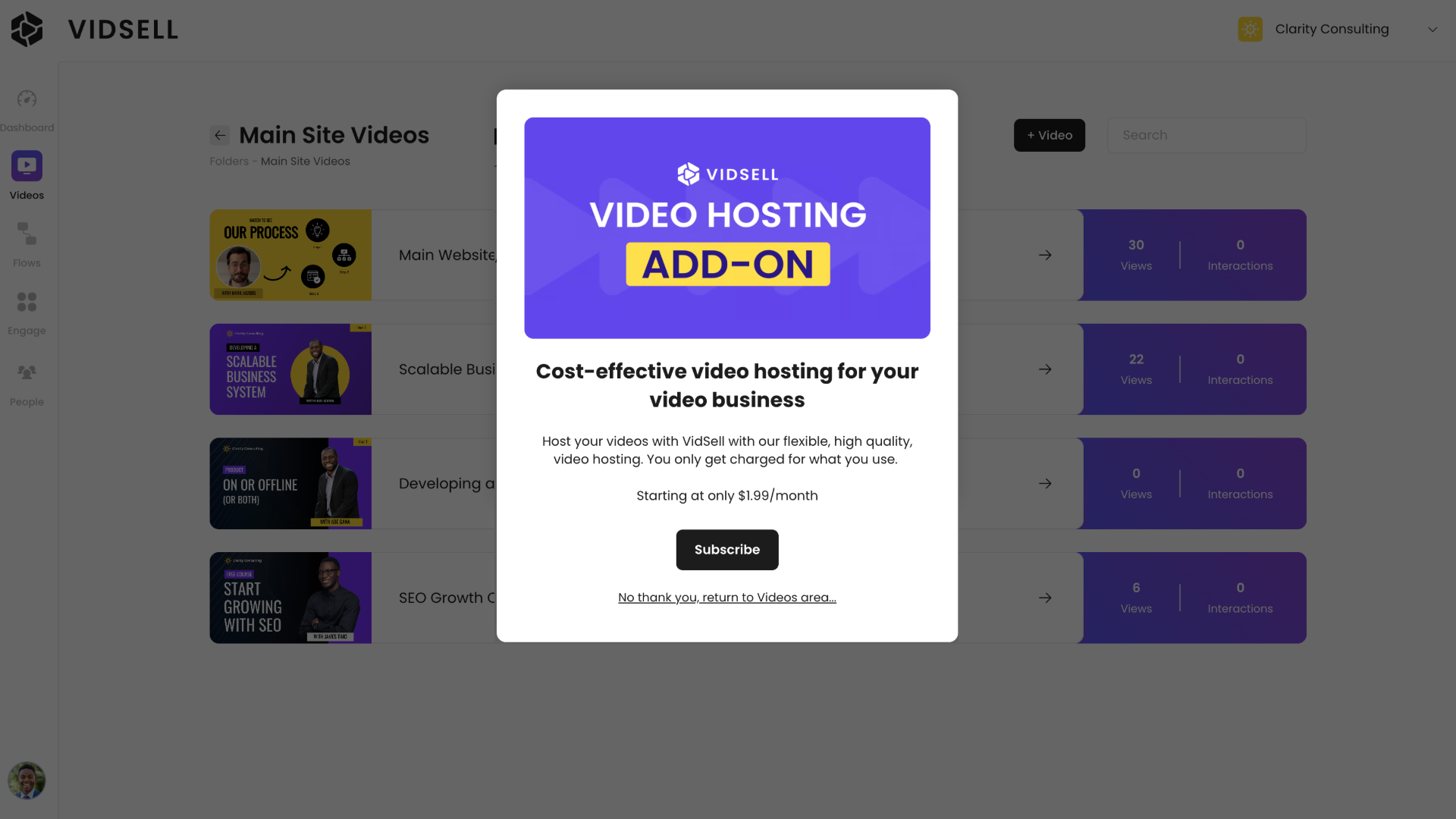
From here, choose the option to subscribe to be taken to a checkout page to add the hosting add-on to your account.
Video hosting details
VidSell hosting allows up to 1080p full HD videos.
File size limits
For optimal video transcoding stability files are recommended to be less than 10GB.
Subscription details
Hosting starts at a base price of $1.99 and is charged at the beginning of every applicable month.
Included in the base hosting add on is ~8GB of total video storage and ~100GB of monthly video bandwidth.
Additional storage and bandwidth are charged on a usage basis at the following rates:
Subscription | Price | Included Storage | Included Bandwidth |
Base Subscription | $1.99/month | ~8 GB Total Storage | ~100 GB Monthly Bandwidth |
Additional Storage | $0.14/GB stored | Usage based | Usage based |
Additional Bandwidth | $0.01/GB bandwidth | Usage based | Usage based |
Billing and usage details
You can view your current hosting usage in Account Settings > Plans and Billing. Your current usage will be listed under Storage Usage and Bandwidth Usage.
Uploading
To upload videos using VidSell hosting, simply select the video file you'd like to upload from your computer from the number of supported file types below.
Supported file types
Below are the supported video file types including embedded audio and embedded captions.
Video | Audio | Captions |
.mp4 | .mp3 | .vtt |
.4mv | .ogg | .srt |
.mkv | .wav | |
.webm | .m4v | |
.mov | .m4p | |
.avi | ||
.vod | ||
.flv | ||
.wmv | ||
.ts | ||
.amv | ||
.mpeg |
Supported Codecs
Video | Audio |
H.264 (AVC) - Profiles - baseline, main, high, high10 | AAC |
H.265 (HEVC) | MP3 |
VP9 | LPCM |
VP8 | FLAC |
AV1 | ALAC |
MPEG-2 | WMA |
ProRes |
Transcoding