VidSell integrates with your Stripe Account using "Stripe Connect". This allows us to safely process payments for your customers making purchases on the Flows you build with VidSell.
Connect Your Stripe Account to VidSell
In order to make sales with VidSell and sell products to your customers, you must first connect your Stripe Account to your VidSell workspace.
To connect your Stripe Account, go to the Flow Editor and when you are on a Step with a Purchase or Upsell CTA type, you will see the option to "Connect Account".
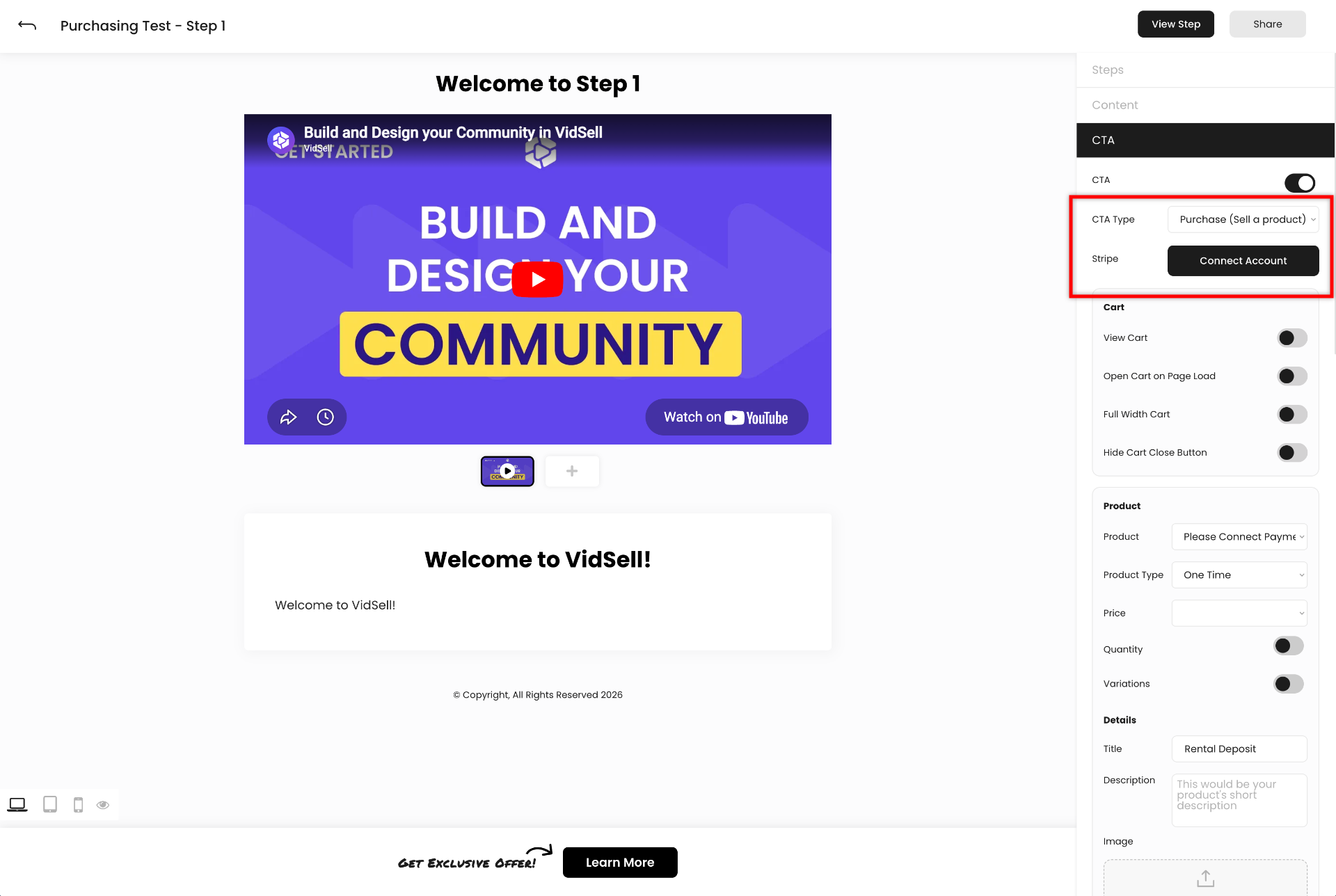
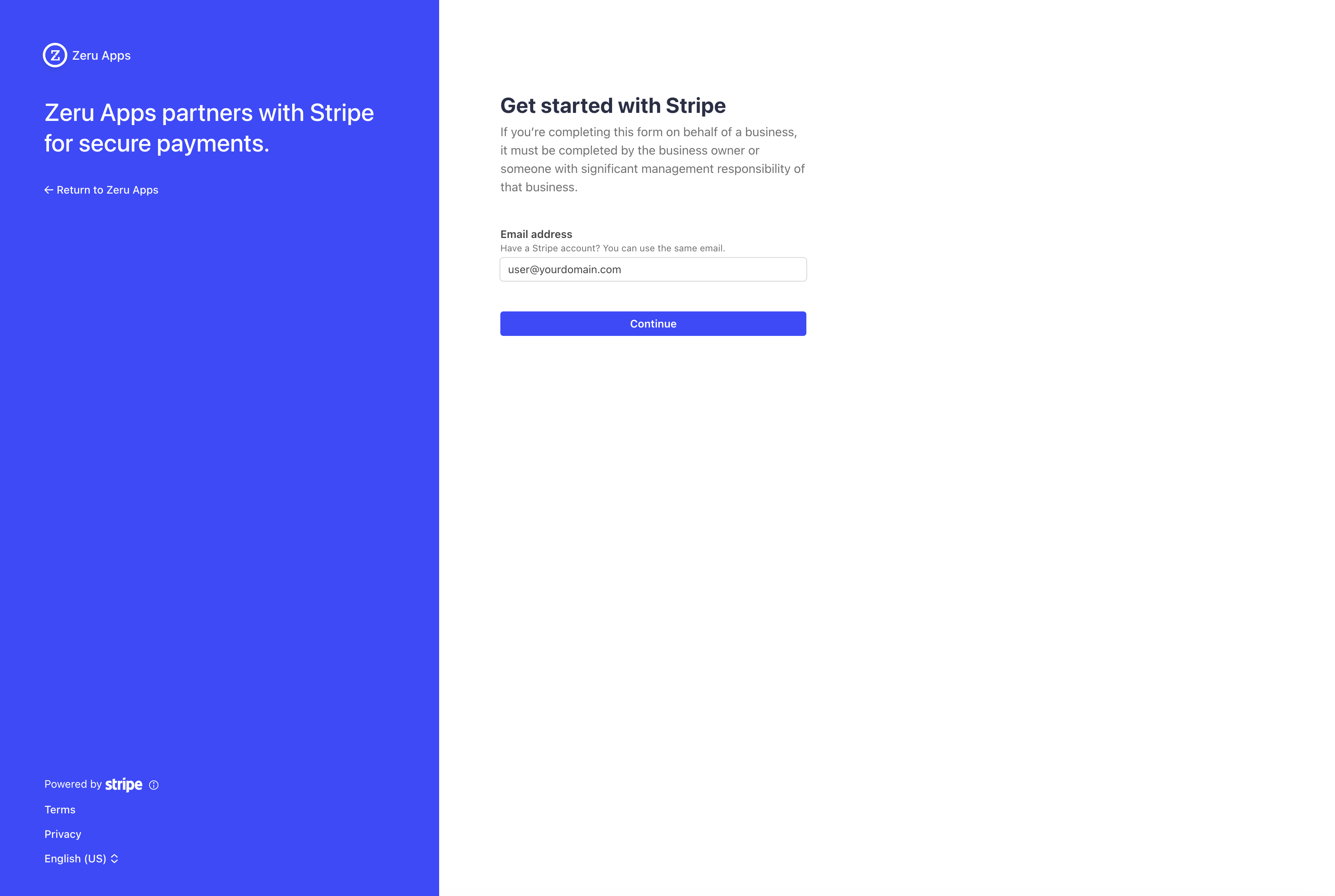
After clicking "Connect Account" you should be navigated to Stripe's Connect Onboarding flow. Sign in to your existing account and choose the account that you would like to connect to this VidSell workspace. You would have an option to create a new Stripe account from this flow as well.
After a successful connection, you should be returned back into the Flow Editor. You should now be able to choose a product from the dropdown to use for this step. To learn more about how to set up products in your flows see our help article here.
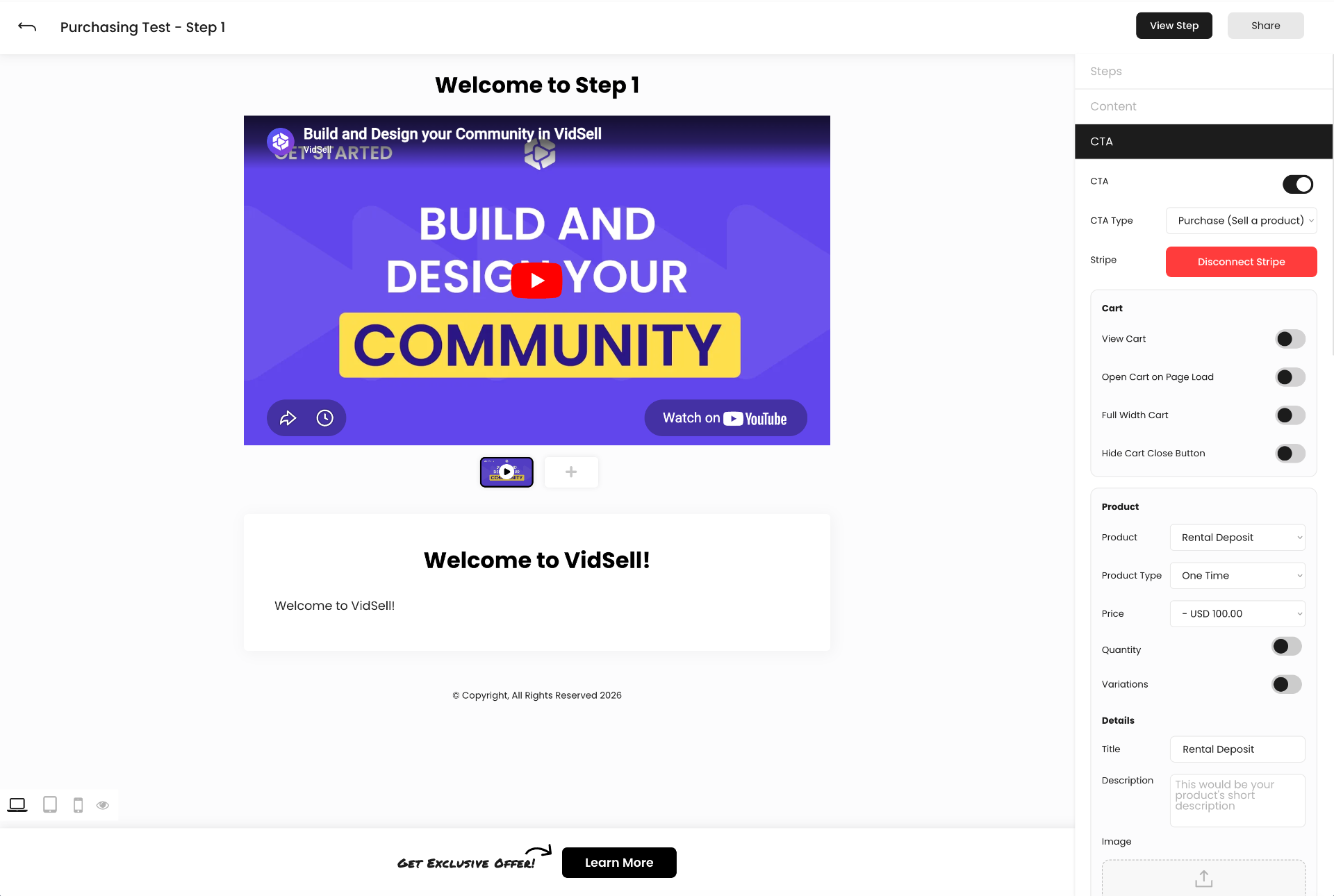
To disconnect your account from VidSell/Zeru Apps, use the "Disconnect Stripe" button.
Managing Transactions
With our Stripe Connect integration, you still retain full access to your Stripe Dashboard as normal. In your own Stripe Account is where you will be able to see and manage all of your transactions and customers.
VidSell's People Area will have your customers and customer purchase information available inside of it. The People area is designed to behave like a Micro-CRM tools that helps with segmentation and automation that allows you to utilize each part of VidSell to stay in sync with your leads and customers. While VidSell's People area is a powerful tool, Stripe's dashboard gives an already furnished interface for managing transactions specifically and it is expected that you would regularly use your Stripe Dashboard even with a connected VidSell workspace.
Transaction Fees
Based on the VidSell plan that your workspace is subscribed to, you will have a transaction fee that applies to all transactions made through VidSell. This fee is taken out at the time of the transaction. To know more of the legality about how VidSell's transaction fees work please view the related section in our Terms of Service.
Refunds
Refunds are part of online commerce. To issue a refund, use your Stripe Dashboard as you normally would process refunds. To learn more about refunds with Stripe, see this Stripe article here.
Receipts
VidSell does not send purchase receipts to your customers directly. However, we do provide a Thank You Page CTA type that offers the customer the ability to download a receipt at the time of checkout if you have this option enabled for your Flow's Step.
To send email receipts to your customers, you can either use Stripe's default receipt system (learn more about how to set up automated Stripe purchase receipts here) or you can use VidSell's Automation Webhooks to trigger your own custom workflow where you can send an email to a customer based on the data provided in the webhook payload.