VidSell Videos is where you connect all of the videos that you'll leverage across your video business from embedding onto your sites, in your marketing and sales flows, in courses, and even throughout your community.
Video Folders
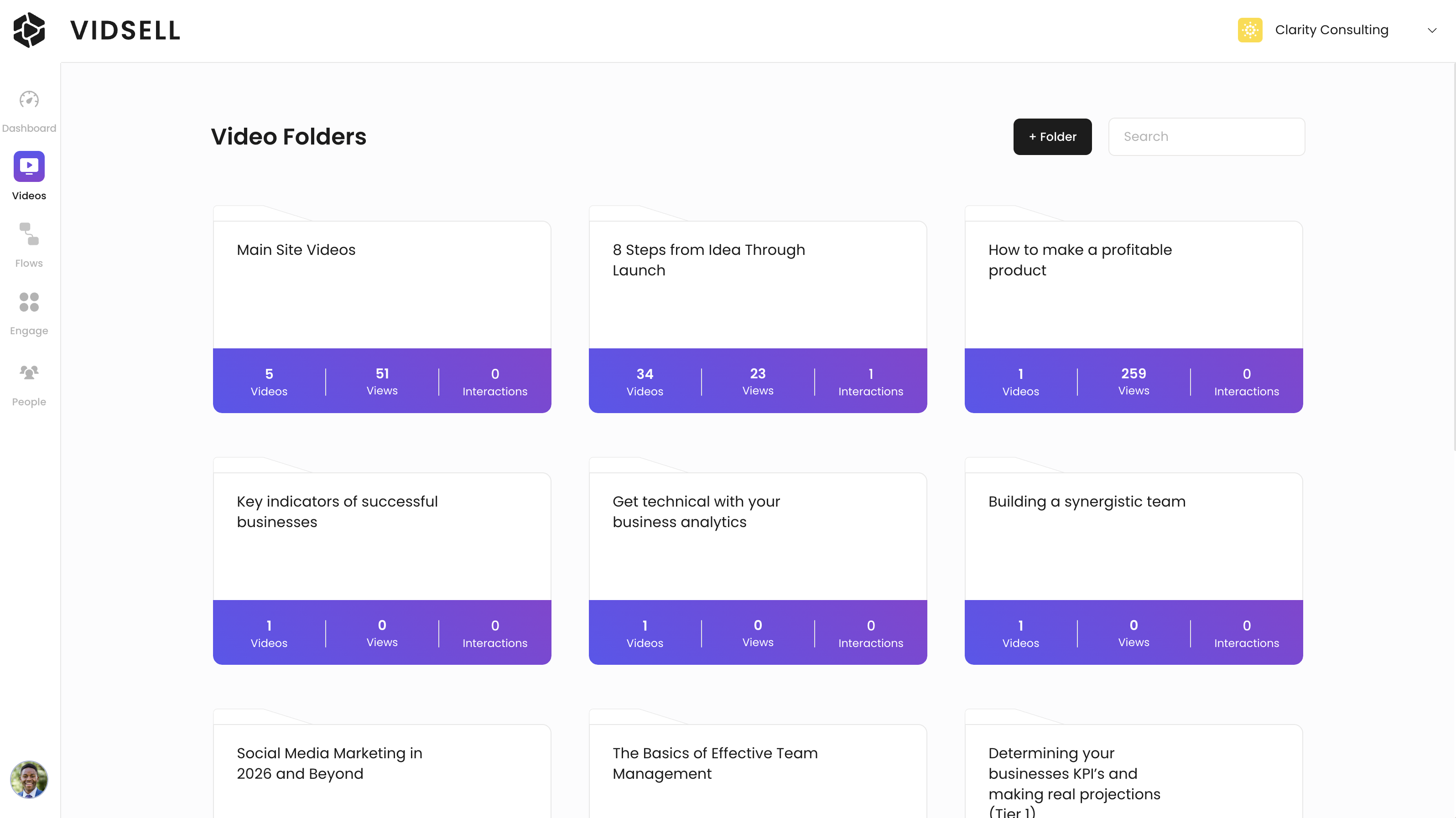
Videos in VidSell are automatically organized into folders for easy sorting and management.
Create Folders
To add a new video folder click the "+ Folder" button at the top right of the Videos area, next to the search bar.
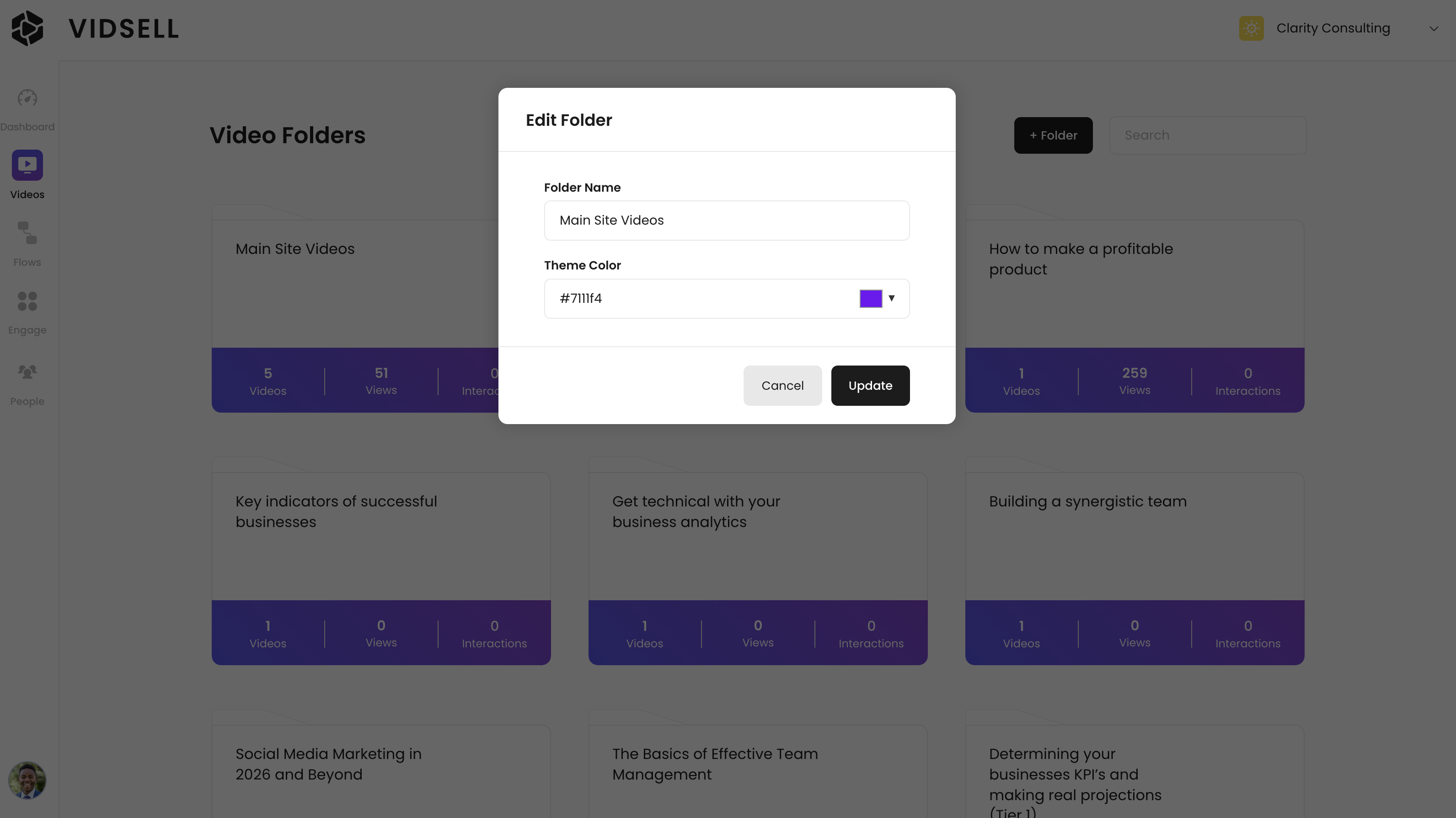
Theme color
Your folder's theme color automatically applies an accent color to every video within the folder for faster customizations for similar or branded videos. This color can be changed on an individual video level within the video editor.
Moving and Deleting Folders
Folders can be rearranged by drag and drop into different orders, and searched through using the search bar at the top right of the videos area.
Deleting a folder will delete all of the videos within the folder, so double check before proceeding.
Videos
Adding a new video
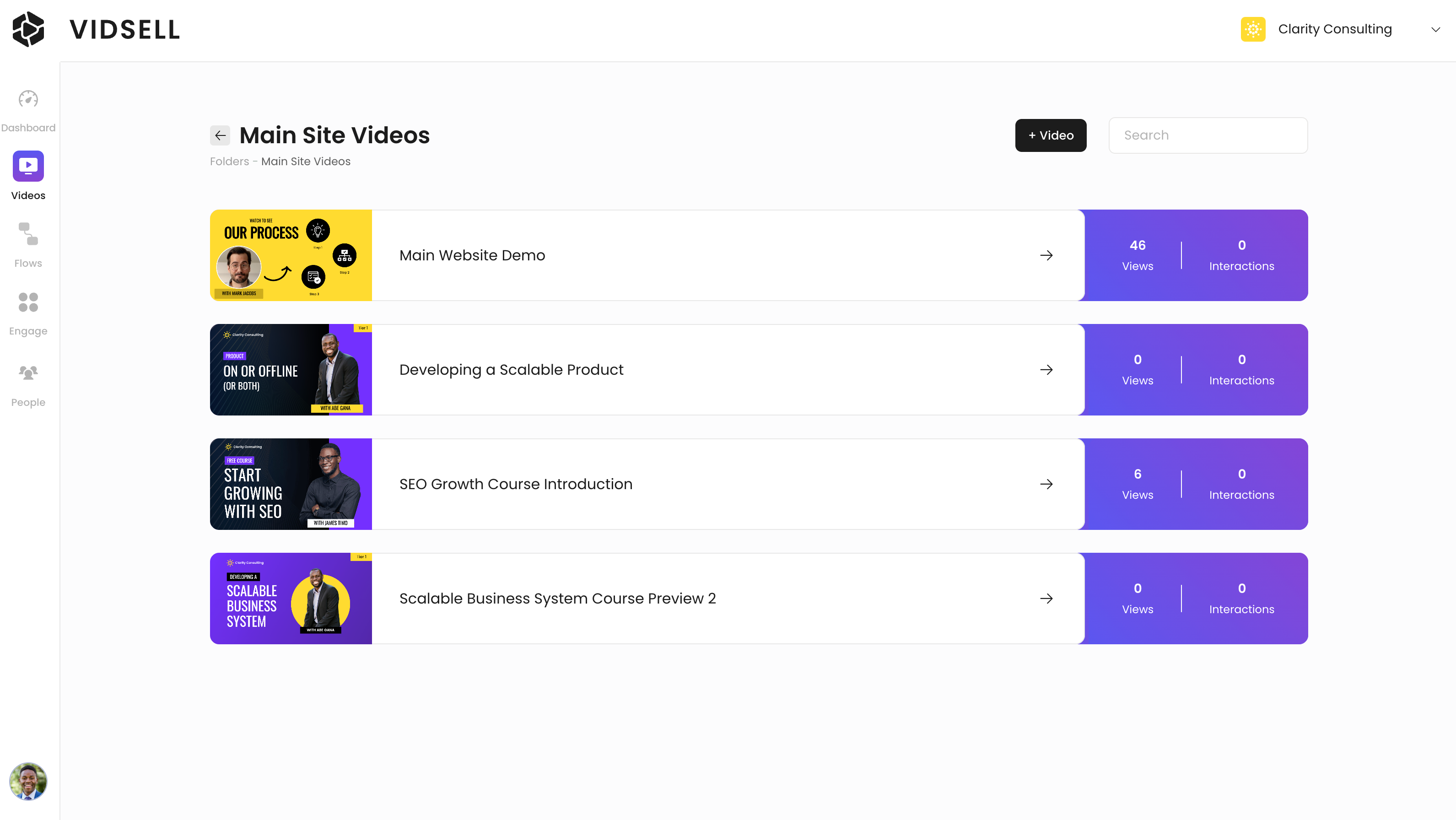
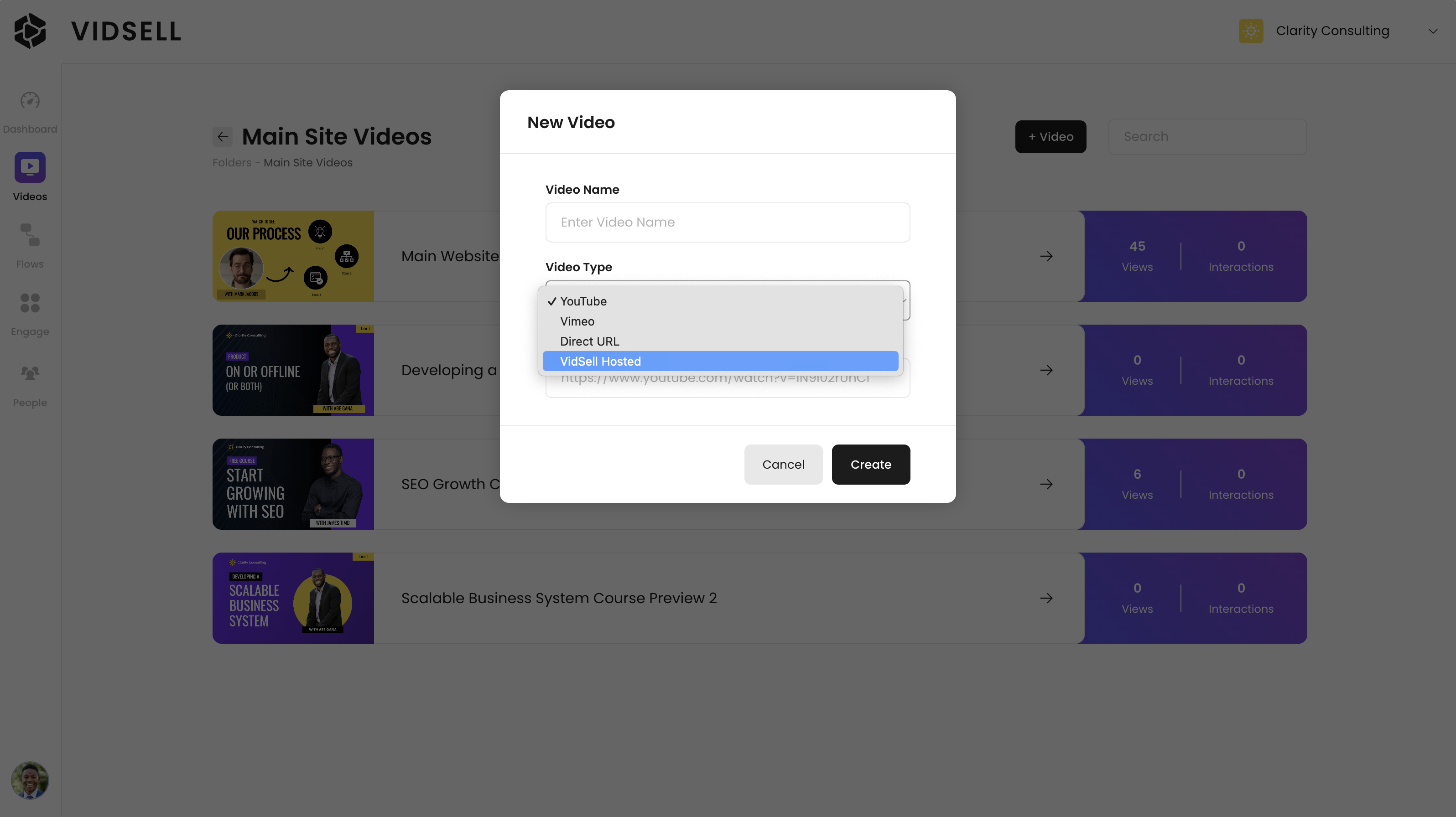
To add a new video click the "+ Video" button at the top right or the screen, next to the search bar.
Video Types
- YouTube and Vimeo - VidSell supports a wide number of video hosts and video types ranging from free options like YouTube, to paid subscriptions like Vimeo.
- Direct URL - If you use another video hosting service that provides a direct hosted URL for your videos, you can use the Direct URL option for a number of files formats including mp3, mp4, mpd, m3u8 and HLS.
- VidSell Hosting - You can also host your videos with VidSell directly through our hosting-add on, available as an in-app upgrade. To learn more about VidSell Hosting including rates and how to sign up, please refer to our Video Hosting article here.
Embedding
You can copy your video's embed code for use on external sites here as well, with more information available in the Video Customization article.
Video Metrics
Video metrics show you how your videos are performing across the different locations you have them embedded.
You can see the total view count for each video, as well as interactions which count how many times someone has clicked one of your in-video CTA's or opt-in forms.
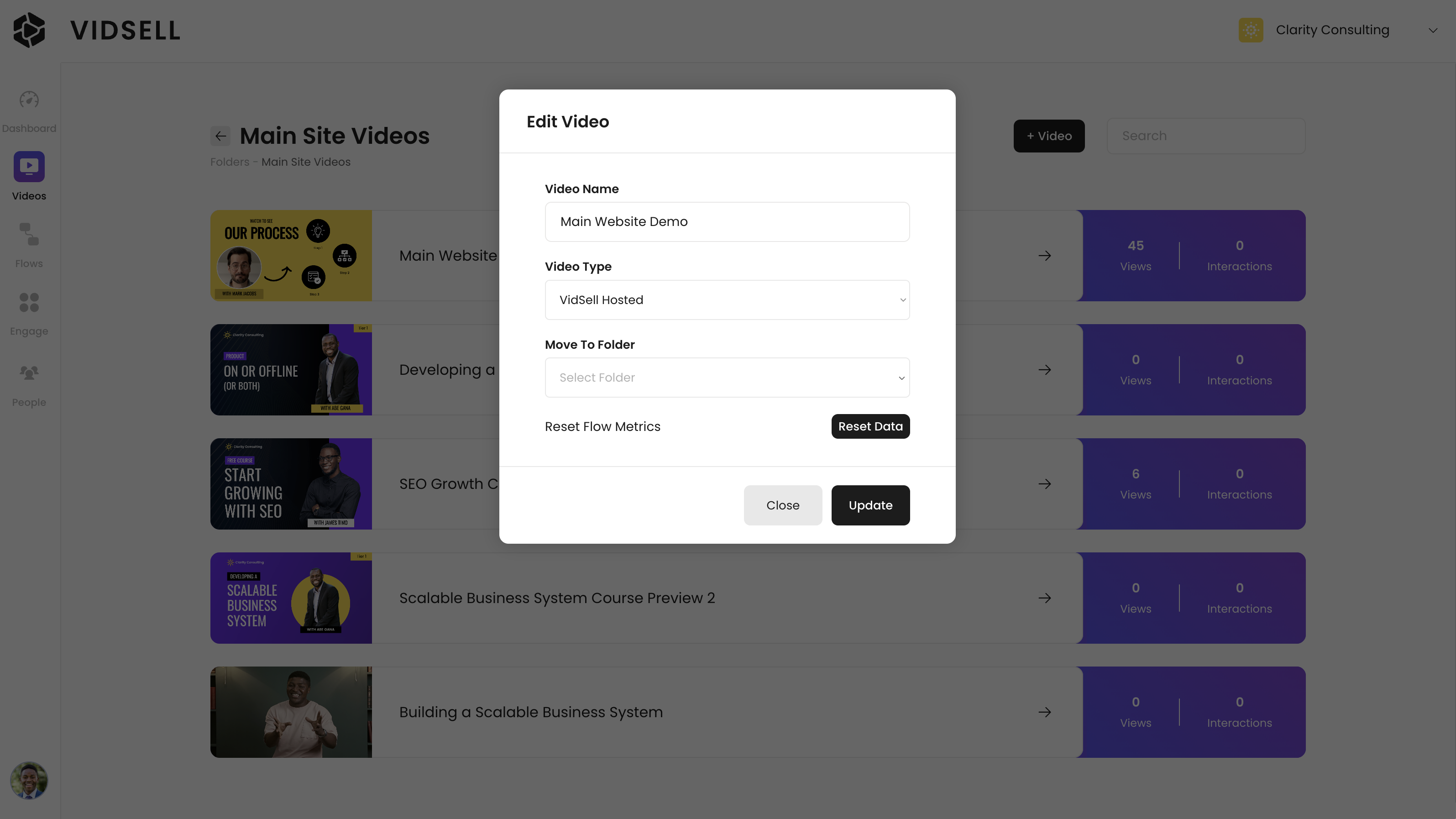
You can also reset your video metrics by clicking "Reset Data" inside of your video settings.