Flows are a streamlined way for you to sell almost anything online from simple video-based pages and sequences.
Flow Folders
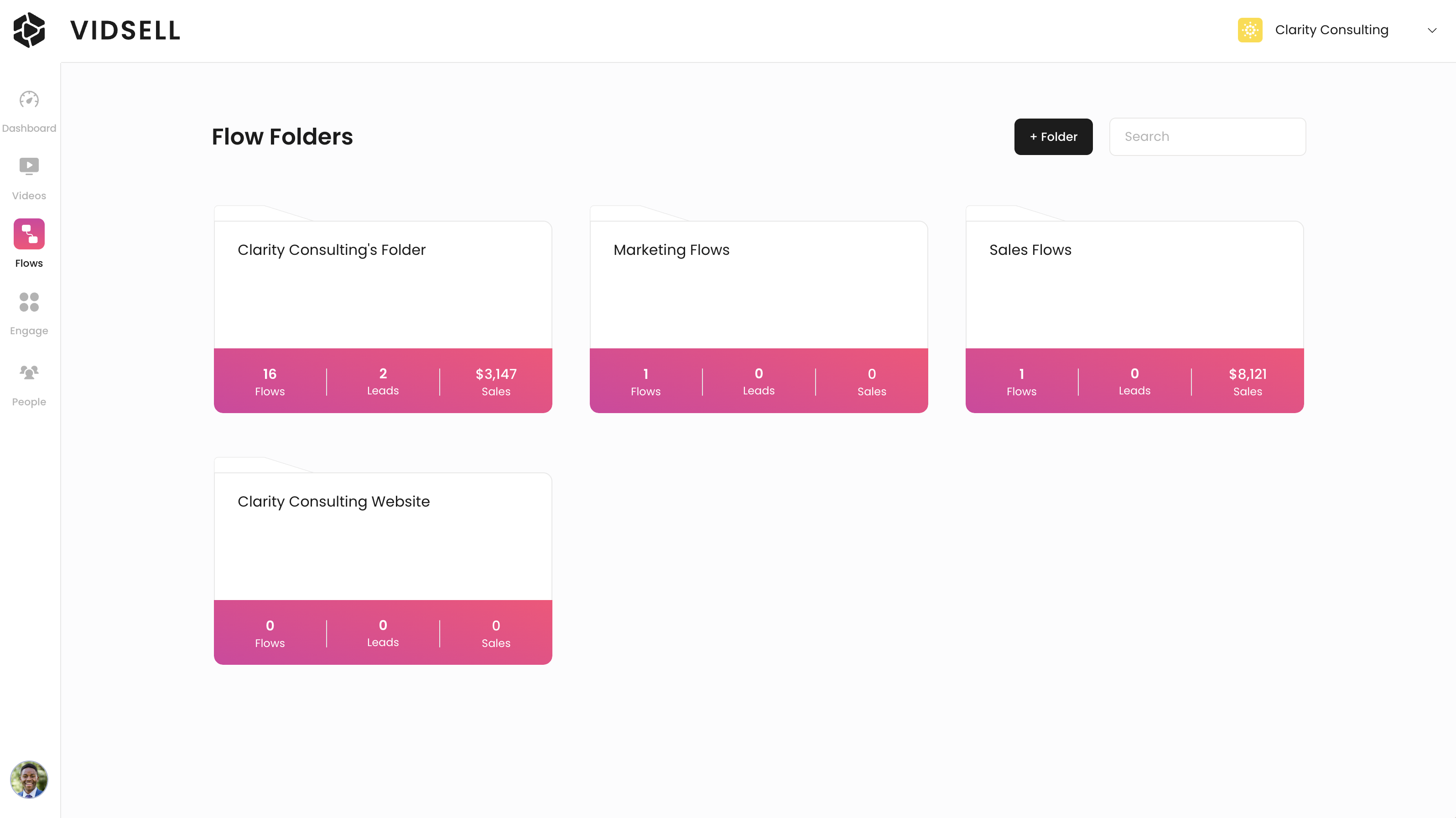
Flows in VidSell are automatically organized into folders for easy sorting and management.
Create Folders
To add a new video folder click the "+ Folder" button at the top right of the Flows area, next to the search bar.
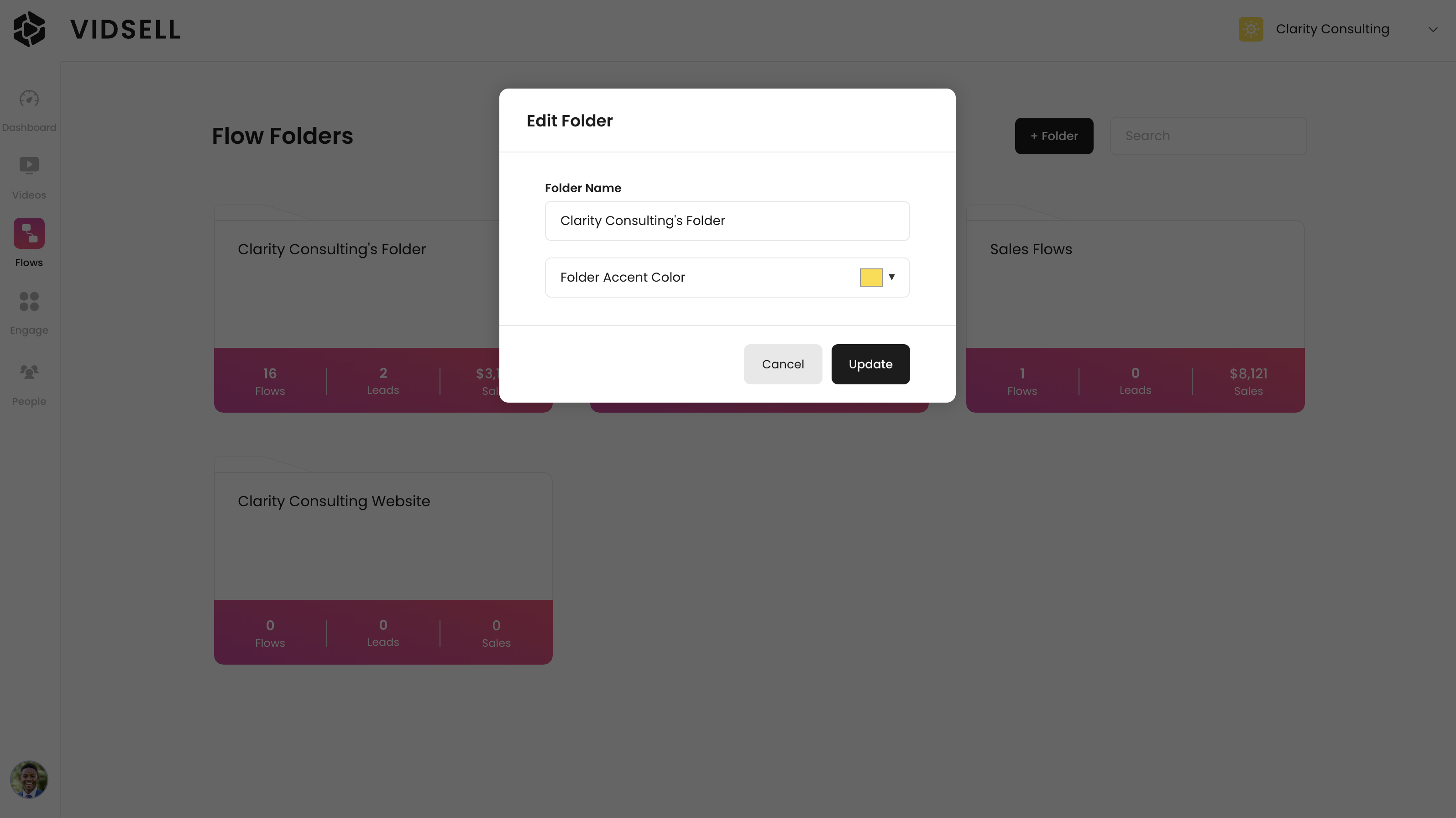
Accent color
Your folder's accent color automatically applies an accent color to every Flow within the folder for faster customizations for similar or branded videos. This color can be changed on an individual Flow level within the Flow editor.
Moving and Deleting Folders
Folders can be rearranged by drag and drop into different orders, and searched through using the search bar at the top right of the Flows area.
Deleting a folder will delete all of the Flows within the folder along with any related metrics, so double check before proceeding.
Flows
Adding a new Flow
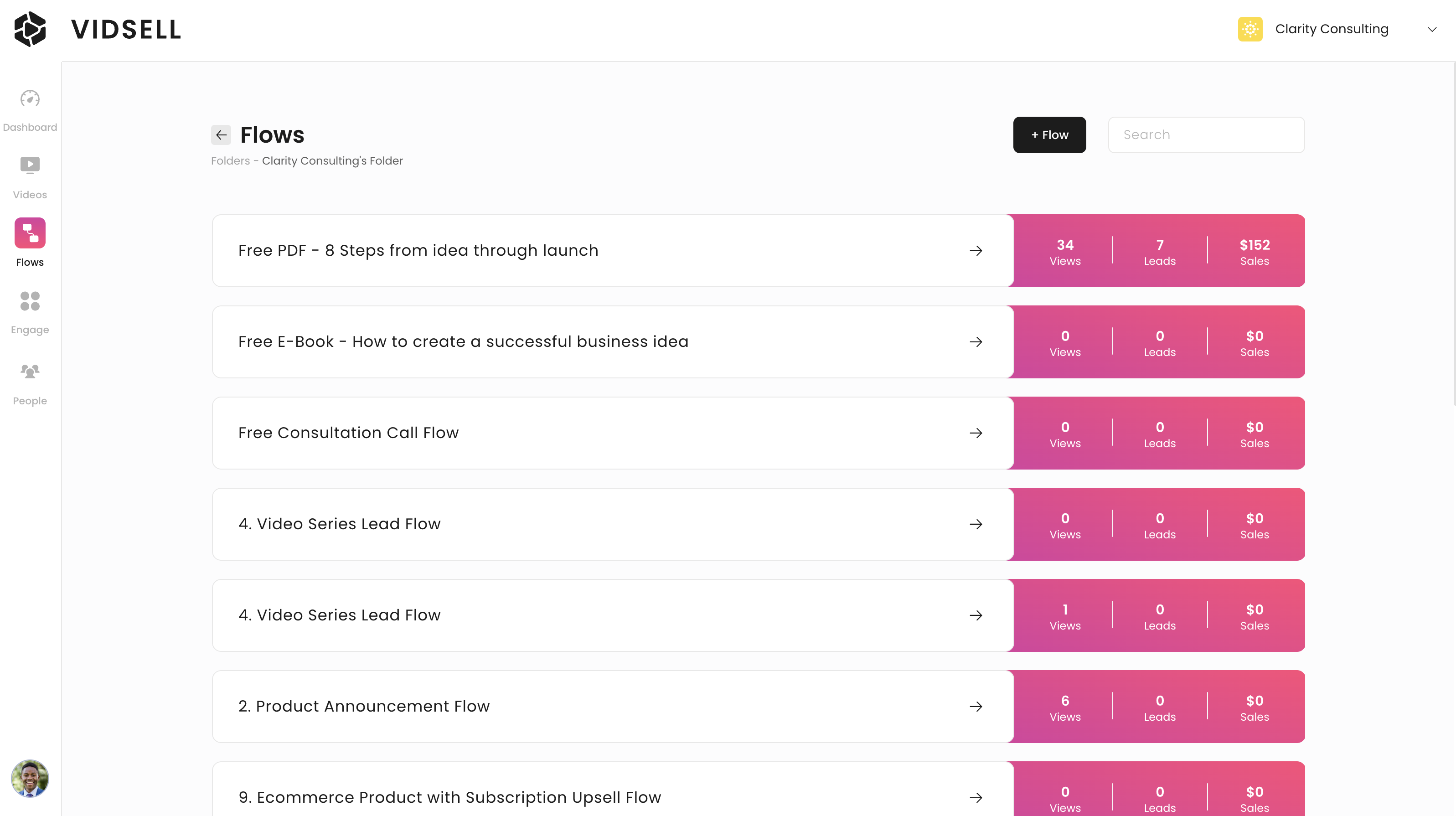
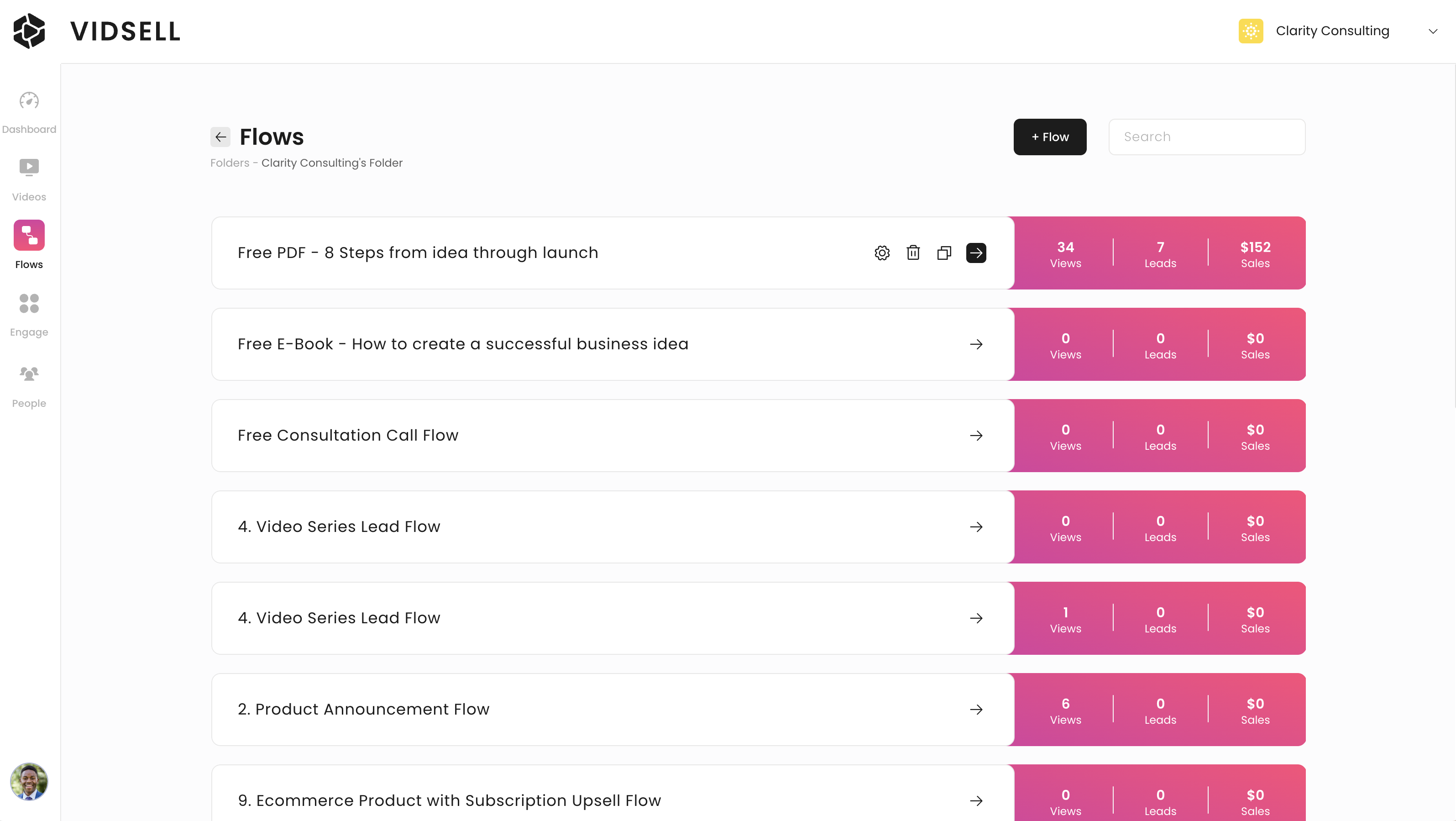
To add a new video click the "+ Flow" button at the top right or the screen, next to the search bar.
Templates
When adding a new Flow, you can choose to get started with either a Blank Flow, or from one of our pre-built Flow Templates. Flow Templates are desktop and mobile-optimized designed sequences designed to help give you a starting point to convert and sell in your video business.
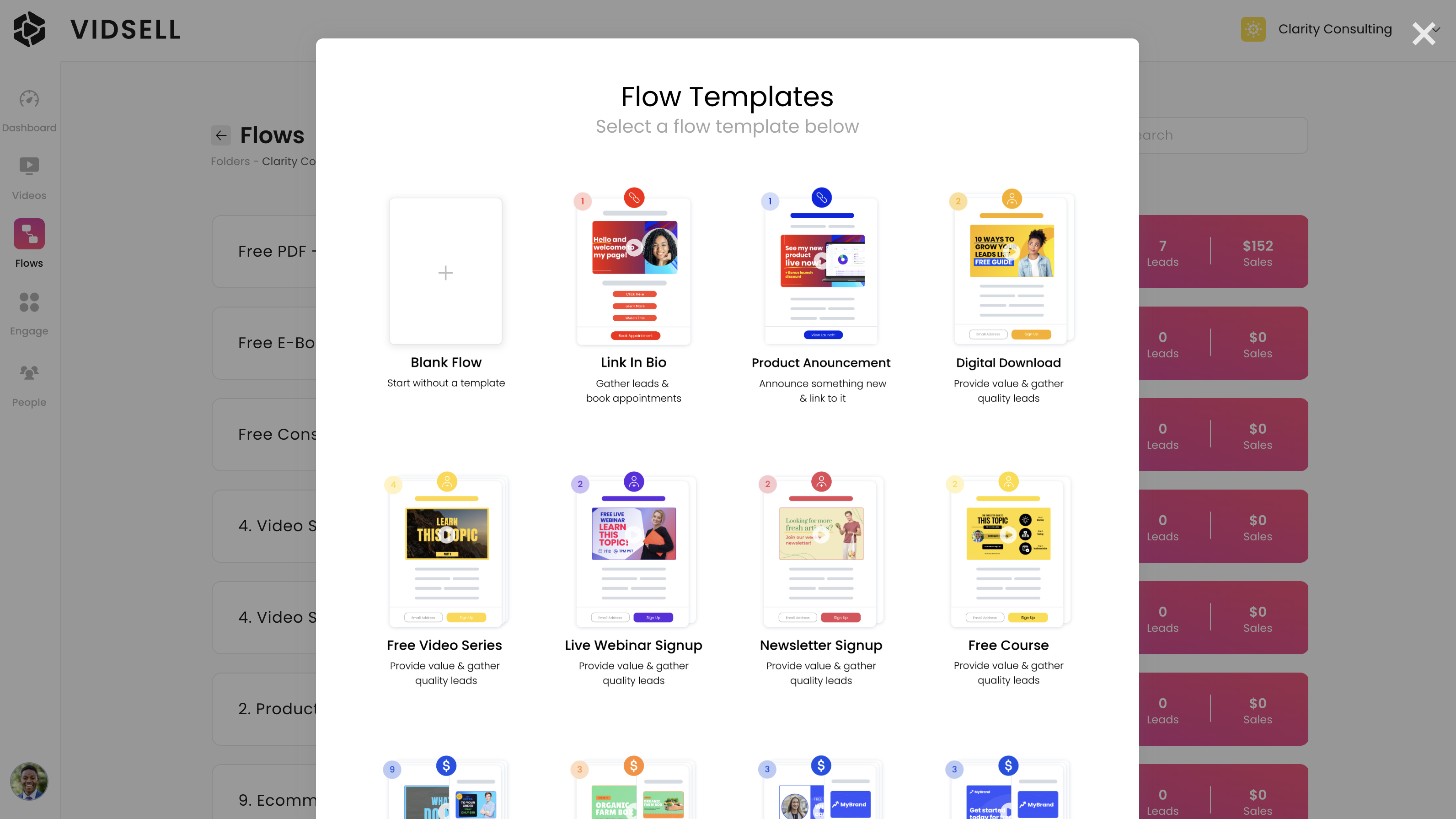
Templates cover a wide range of business goals based on CTA Type and include:
- Link Templates - Share information with your audience with Flows like Link-In-Bio's and Product Launch Announcements
- Opt-In Templates - Present opt-in offers to your audience and gather leads with Flows like Free Courses, Newsletter Signups, Digital Downloads, and more
- Sales Templates - Sell products and services to your audience like courses, physical products, subscriptions, and include one-click upsells, bump offers, coupons and more
Note: For Sales Templates, first connect your account via Stripe Connect to sell your products and services listed in your Stripe account.
Flow Metrics
Flow metrics allow you to see your Flows' performance on an individual level and include:
- Views - How many times your Flow has been viewed by a visitor (counted in total Flow/Video Views for Billing)
- Leads - How many people have submitted an opt-in form on your Flows
- Sales - How much revenue your Flow has made in total including your main products or services, upsells, and bump offers
Flow Cloning and Deleting
You can easily clone your flows for faster creating by clicking the double page icon on any Flow. You can also delete flows by clicking the trash icon on any Flow.
Note: Deleting a Flow will also delete any related metrics to that Flow, so double check before proceeding.