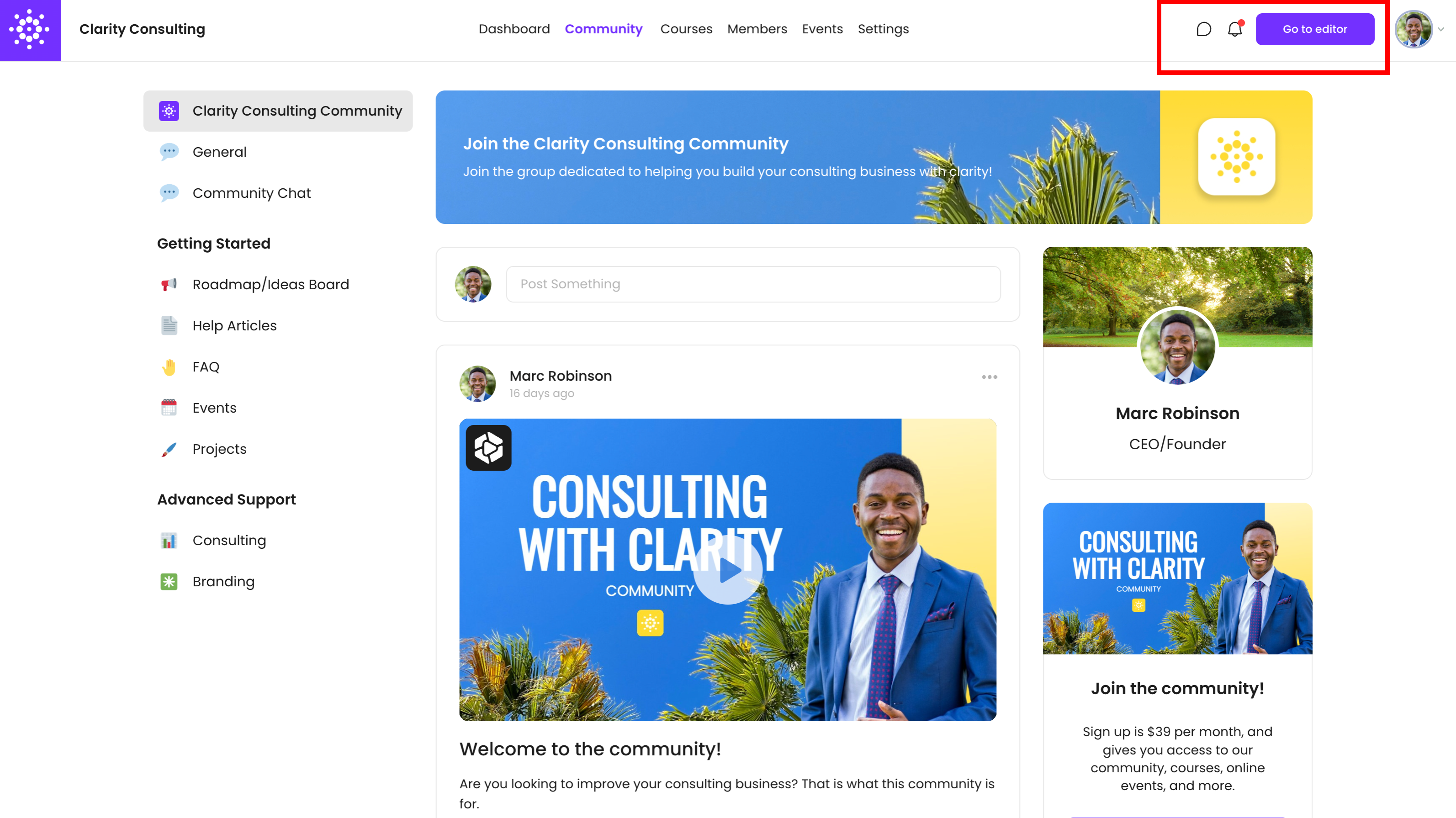
VidSell Engage is your highly customizable, private online community space and members area with many ways to connect with your audience including full online courses, events, member chats, a custom mobile app (PWA) and more - all hosted on your own domain.
Engage Areas
VidSell Engage is divided into multiple sections that allow you to create custom community experiences for your audience. Spaces accessible to members (Community, Courses, Events, Members) can be enabled or disabled to fit your business's goals.
Dashboard
Your Engage Dashboard is the area where you and your team members (excluding added community members) can view the performance of your Engage area.
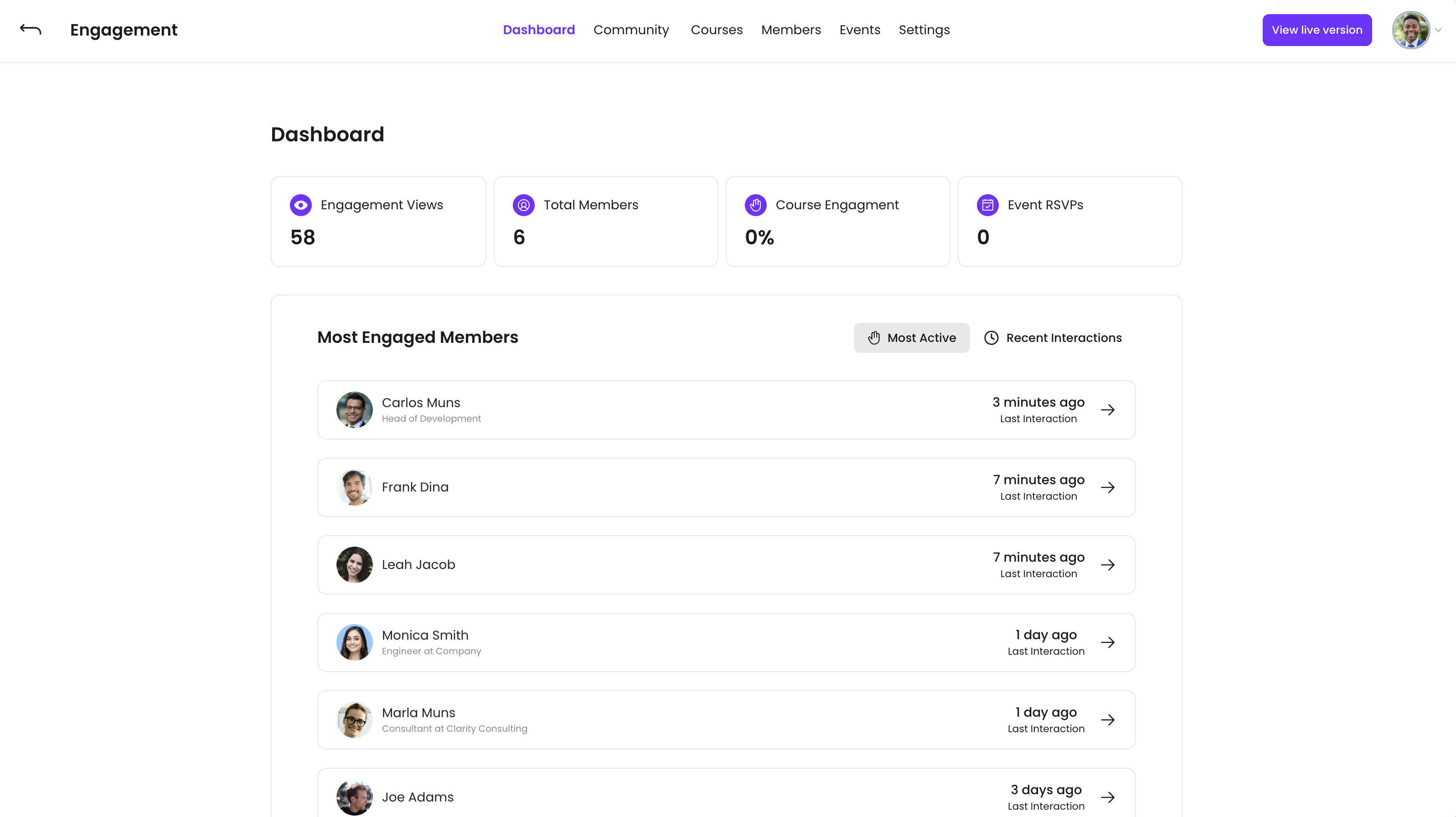
Your Dashboard includes several helpful stats including:
- Engagement Views - Displays how many times your community area has been viewed (page loaded) by your members
- Total Members - Displays how many total members have joined your online community
- Course Activity - Displays the percentage of course completions out of those who have access to your courses, for example: 50% course activity means out of 100 students who have access to your courses, 50 of them have completed a course.
- Event RSVPs - Displays the total number of event RSVP's you have received in the Events area
- Most Active Members - Lists the members who have interacted in the community the most (likes, comments)
- Recent Interactions - Lists which community members have interacted most recently
Community
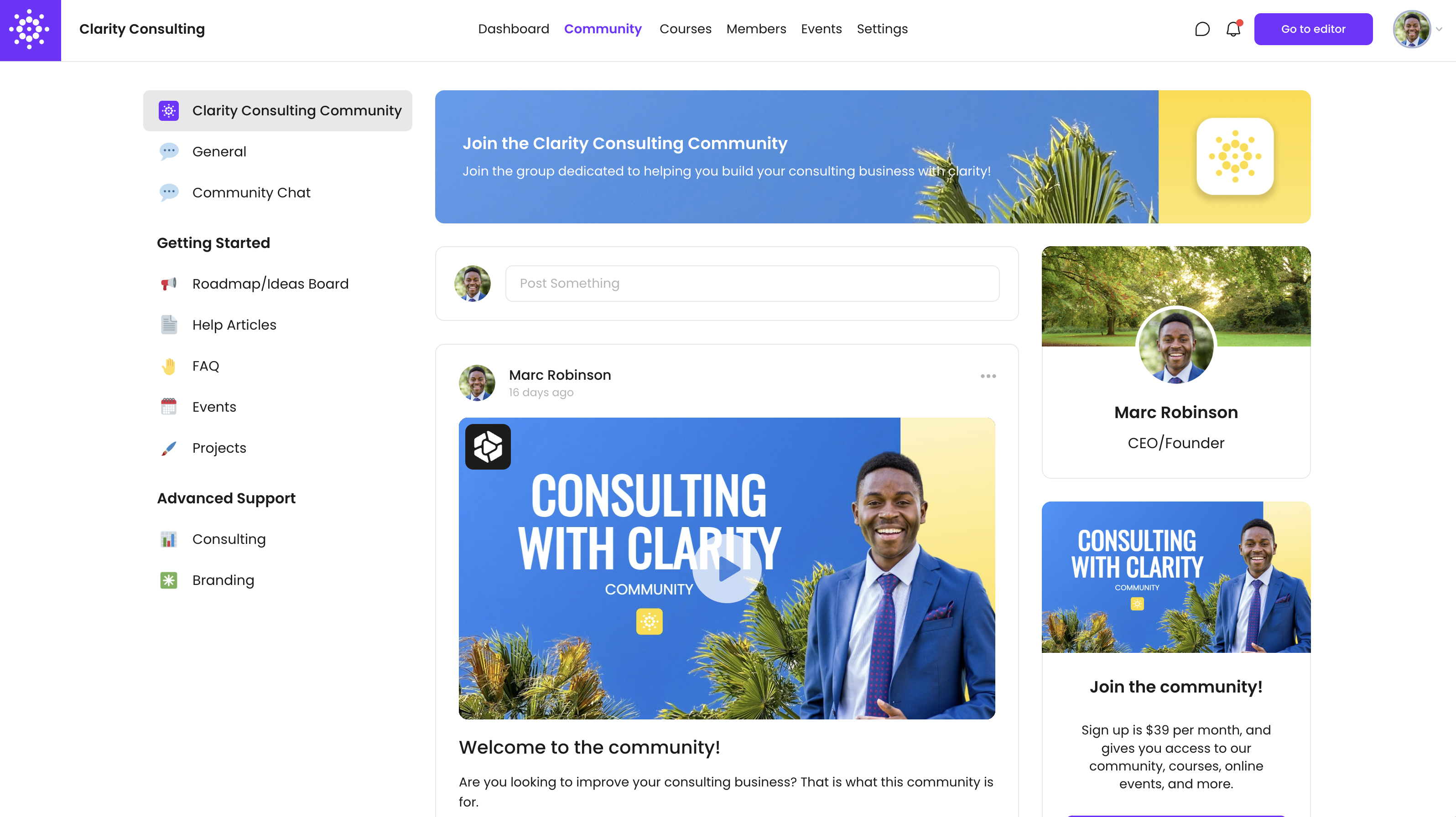
Your online community is where you can create valuable member experiences and connect with your audience with full private subscription areas, entirely free communities, or something in-between paid and free like freemium communities with upsell and cross sell options inside. For more on communities, see our dedicated help article Communities.
Courses
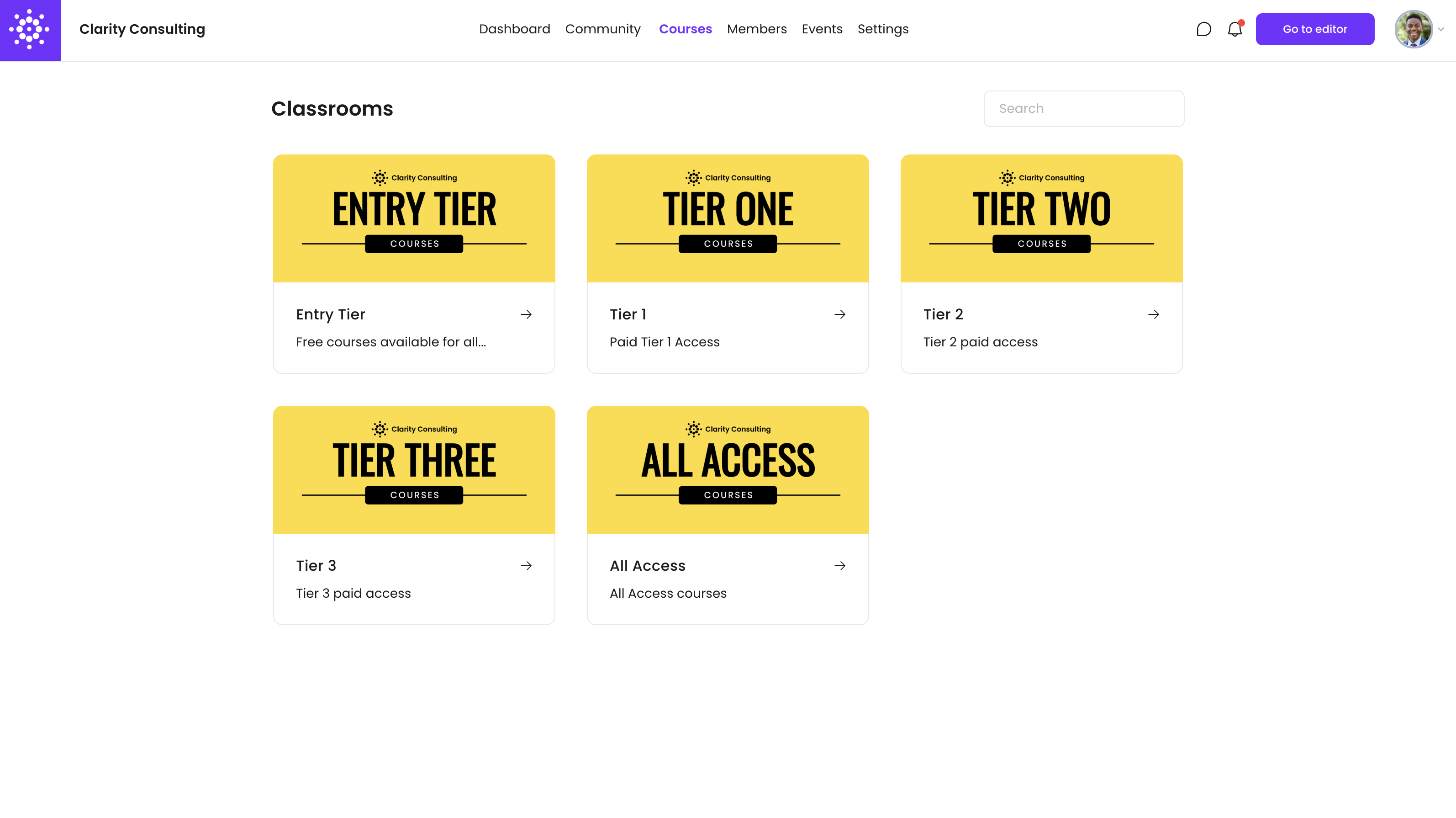
Courses in VidSell is your own LMS (Learning Management System) for you to create full online courses, within multiple classrooms, with customizable lesson quizzes, dynamic progression and lesson tracking, drip feeding content - all hosted on your own domain. For more on courses, start with our dedicated help article Course Management.
Members
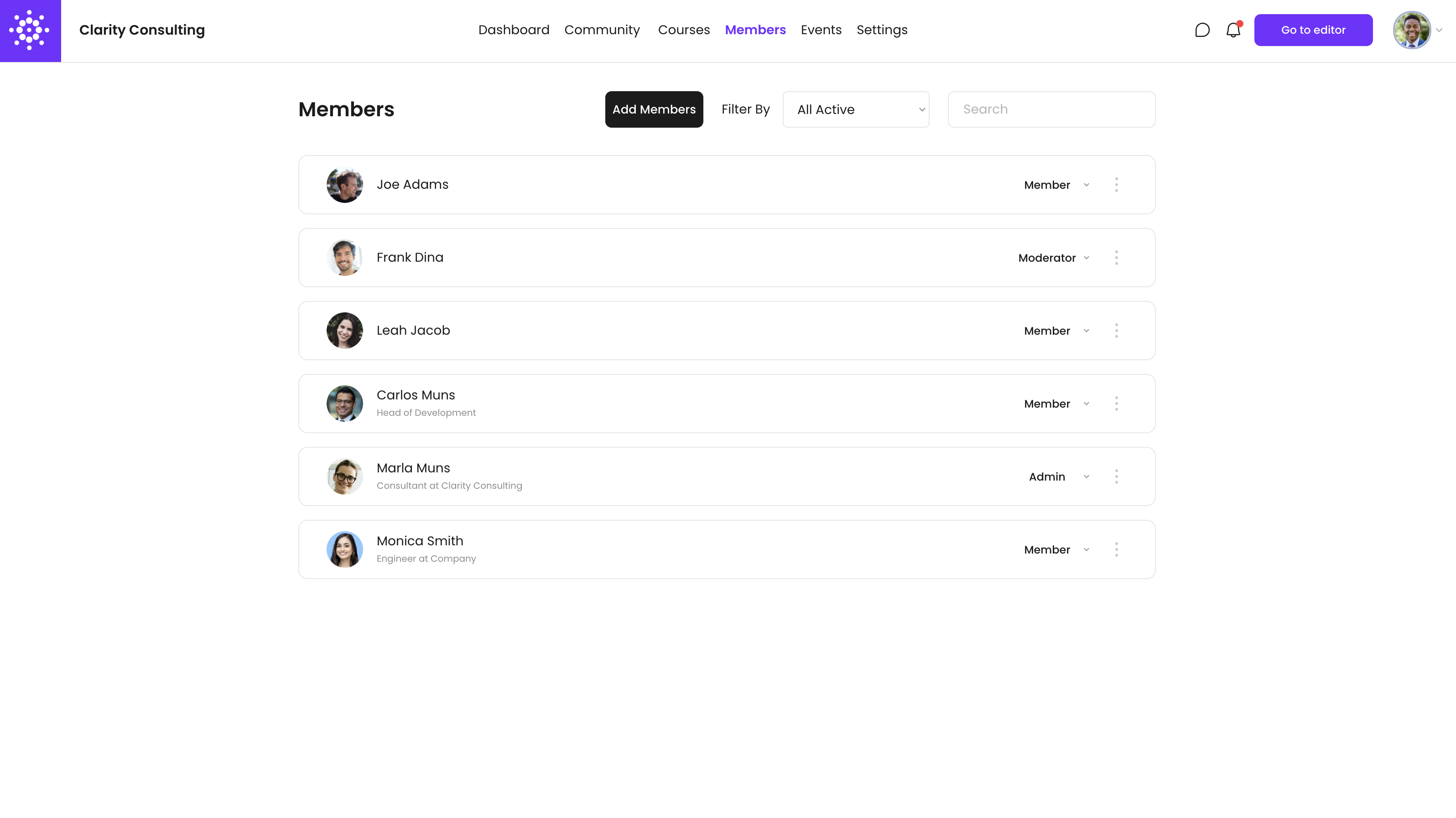
The Members area is where you can manage the people within your VidSell Engage area: assign permissions, moderate members, invite members, and more. For more on members, see our our dedicated help article Members.
Events
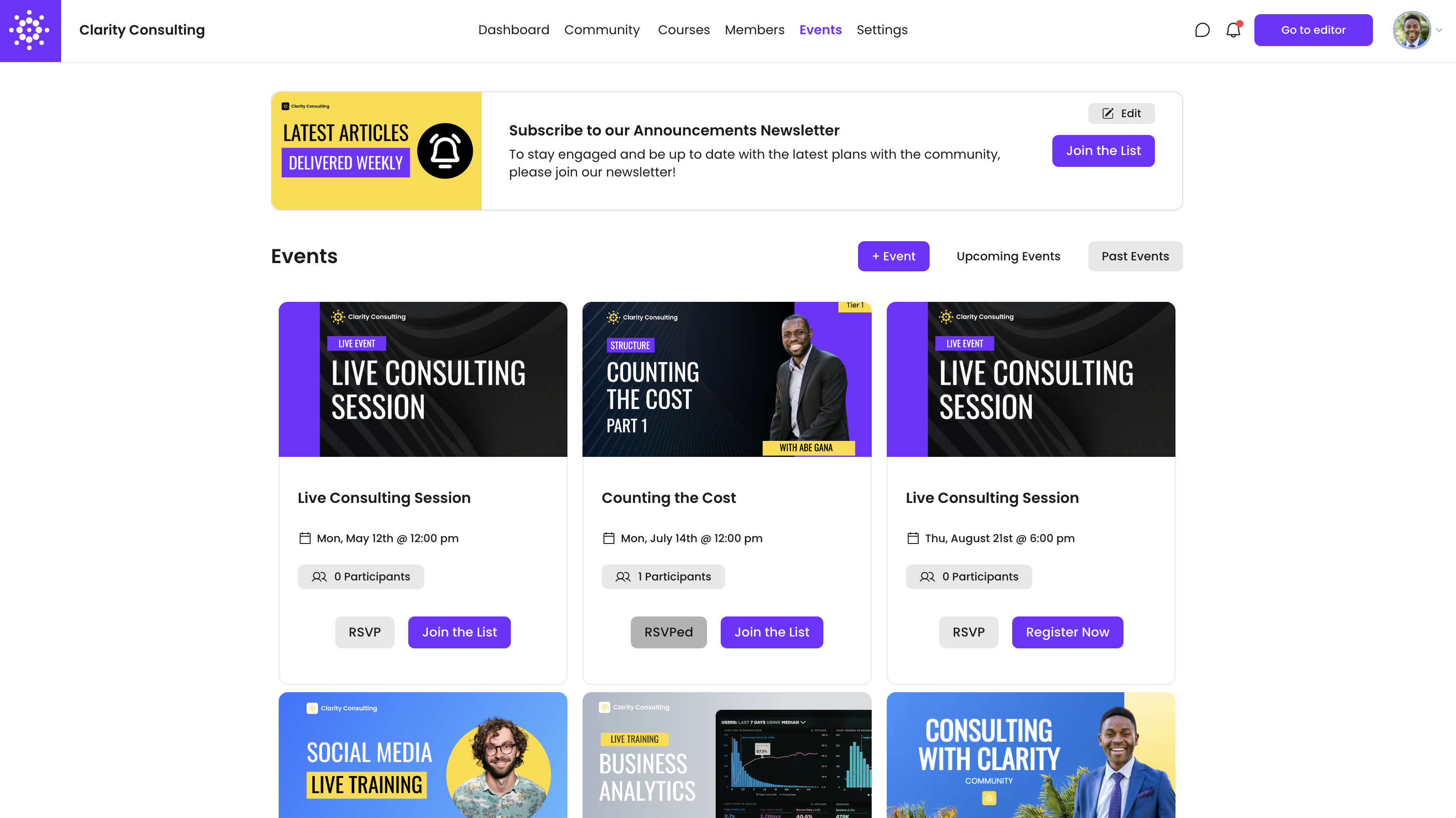
Events is your online events hub for your online community where you can schedule and plan online or offline events for your community members, gather RSVP's, link to event replays, and more. For more on events, see our dedicated help article Events.
Settings
Your settings area is where you can control the different settings that apply to your VidSell Engage area. Every area has the option to either be enabled or disabled to your live community members for custom experiences.
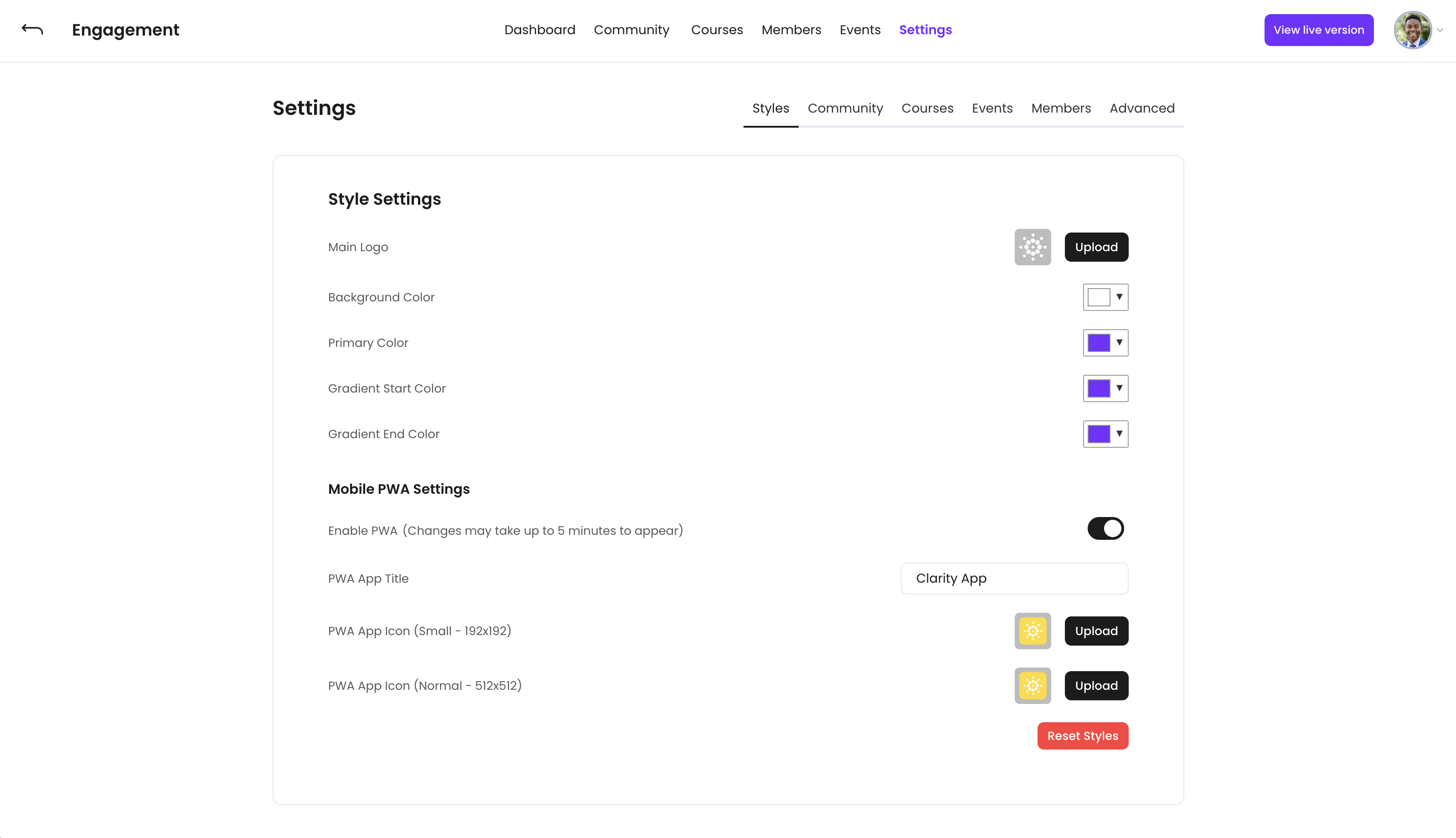
- Style - Control the look and feel of your Engage area, including logos and colors, as well as your Mobile PWA settings.
- Community - Mange overall community settings, post settings, as well as admin and moderator permissions for your community
- Courses - Control public and member visibility for your Courses area
- Members - Control member settings and admin permissions for the Members area
- Events - Mange overall events settings, as well as admin and moderator permissions for your Events area
- Advanced - Control overall settings for your entire Engage Area like SEO, legal terms and conditions, member tagging and automations, and signup and login links
- Engage Area Name - Choose a name for inside your community
- Show Signup Link on Login Page - Show an optional signup link on your members' login page for new members to join if they have not already signed up.
- Make Community Public - Controls if any areas of your community are allowed to show up to users who are not logged in to your community. (ex. public-facing community spaces, community landing pages, etc.)
- Restrict Access by Tags - Adds an additional layer of security to confirm community members are approved to access (especially for paid community use cases).
- Legal Terms URL - Link to your legal terms and services that is agreed to upon signup. It is expected that you provide a terms of use for your end community members.
- SEO Title - Choose the title for how your live community will appear in search engines
- Description - Choose the description for how your live community will appear in search engines
- Login Link - Share the link for your members to login to your Engage area
- Signup Link - Share the link for your members to signup for your Engage area
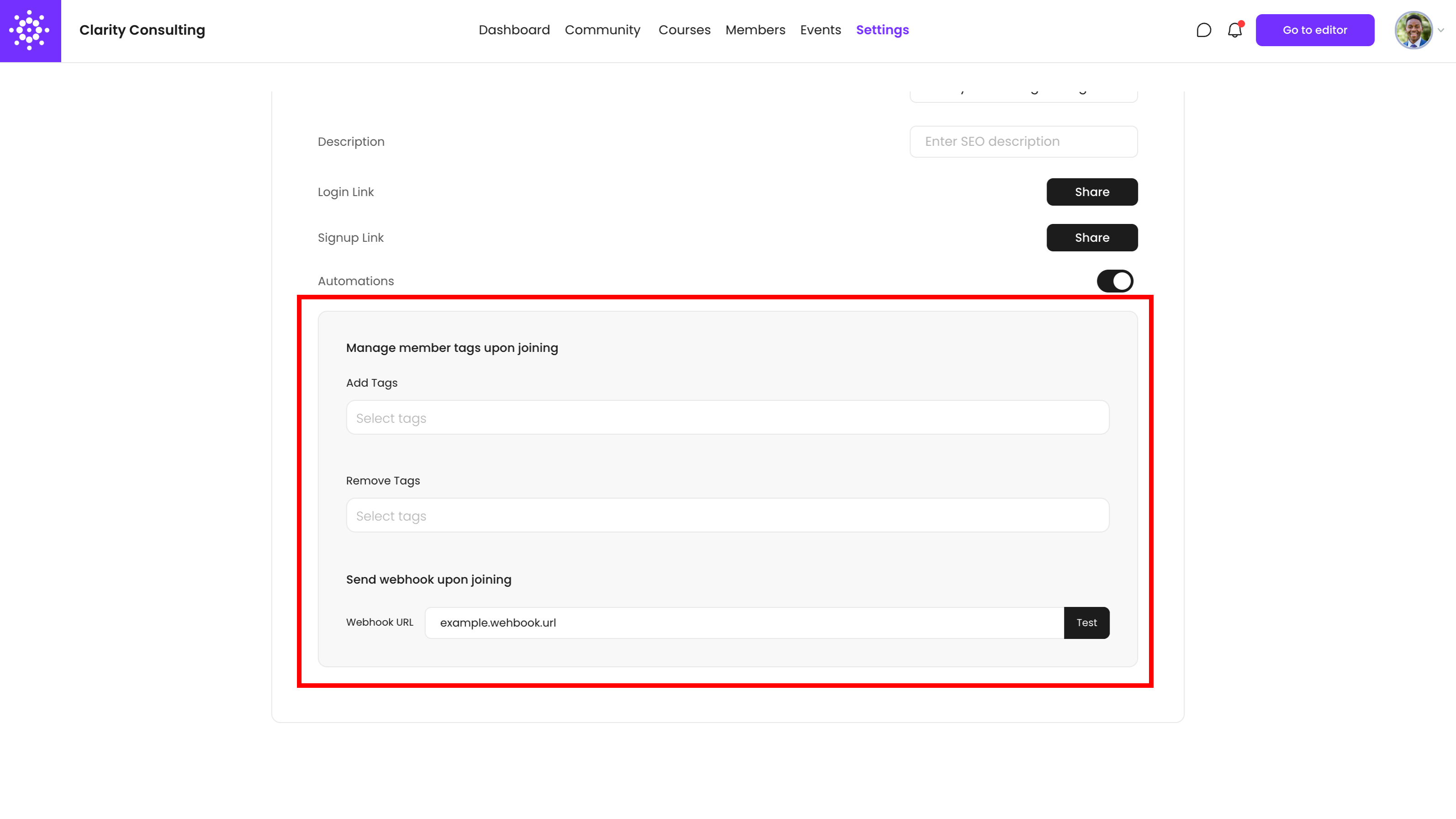
- Automations - Toggle options to add and remove tags, and send webhooks when members join your Engage area
- Code Snippet - Custom code snippets allow you to run on-page code for things like tracking your Engage performance in 3rd party analytics platforms like Google Analytics or Mixpanel, using a chatbot or a help widget, adding accessibility or translation tools and more.
- Manage member tags upon joining - Add or remove tags to members when they join your Engage area (manage tags in VidSell People)
- Send webhook upon joining - Send webhooks to 3rd party platforms (automations platforms, autoresponders, CRM's, etc.) when members join your Engage area like
Engage Views
There are two views separate environments for your VidSell Engage area: a live environment for added members, and an editor environment for you and team members added to collaborate with you in your VidSell workspace.
Editor
The Engage Editor is where you build the custom experiences your members will see in your community's live environment. Here you can build and customize spaces, set up classrooms and build courses, customize the look and feel of your community, and more.
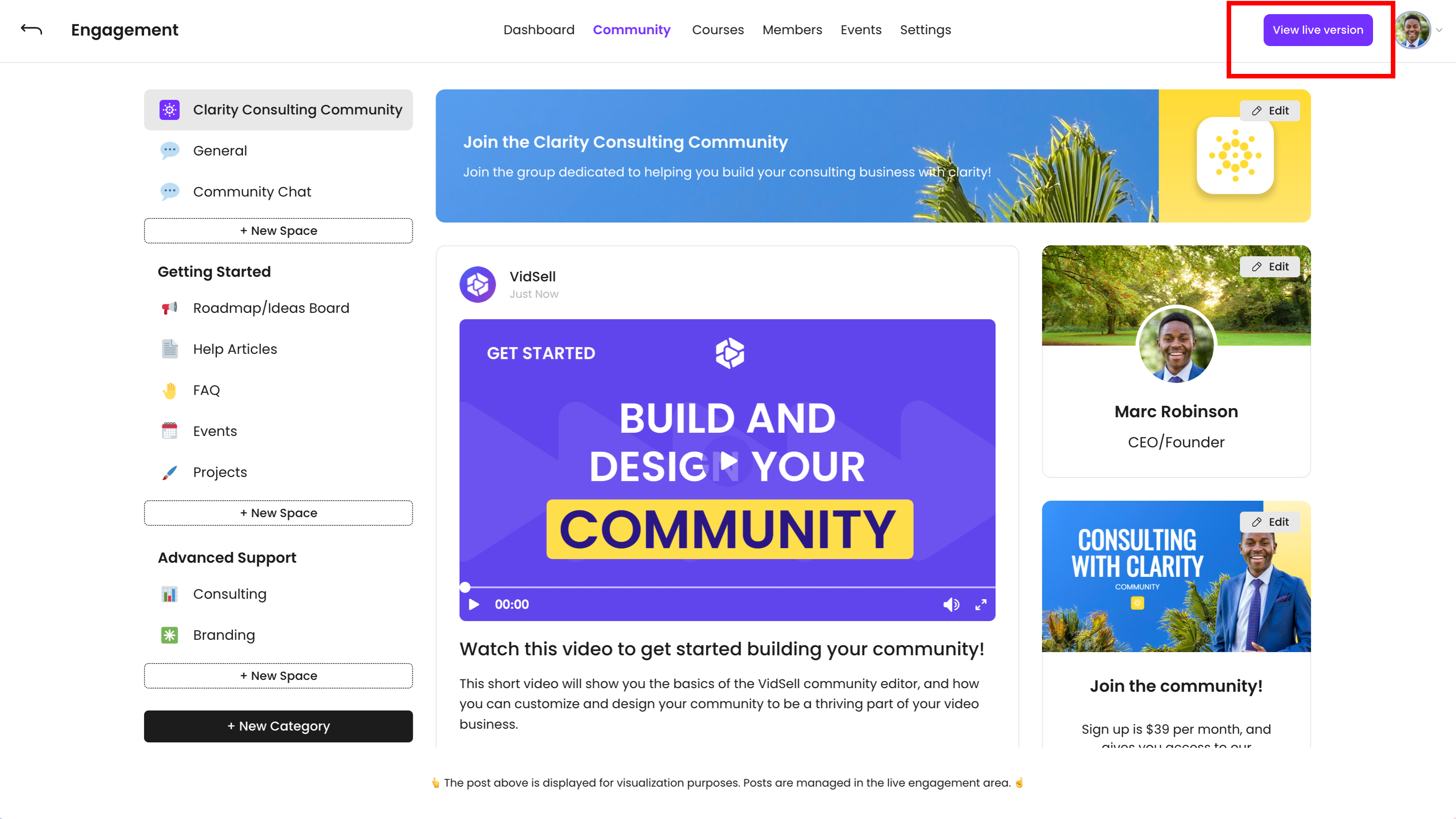
Live Version
This is the member-access version of your online community. Anything built inside of the Editor, will appear (or not appear depending on your settings and member access levels) in your community's live version.